Your time is precious
What teachers say
Creating multiple-choice tests to use in class is a very demanding task that can take a lot of time. To make the job easier I tried some existing tools, but it was frustrating: they turned out to be scattered and in the end they did not save me any time. That is why I decided to build one from scratch.
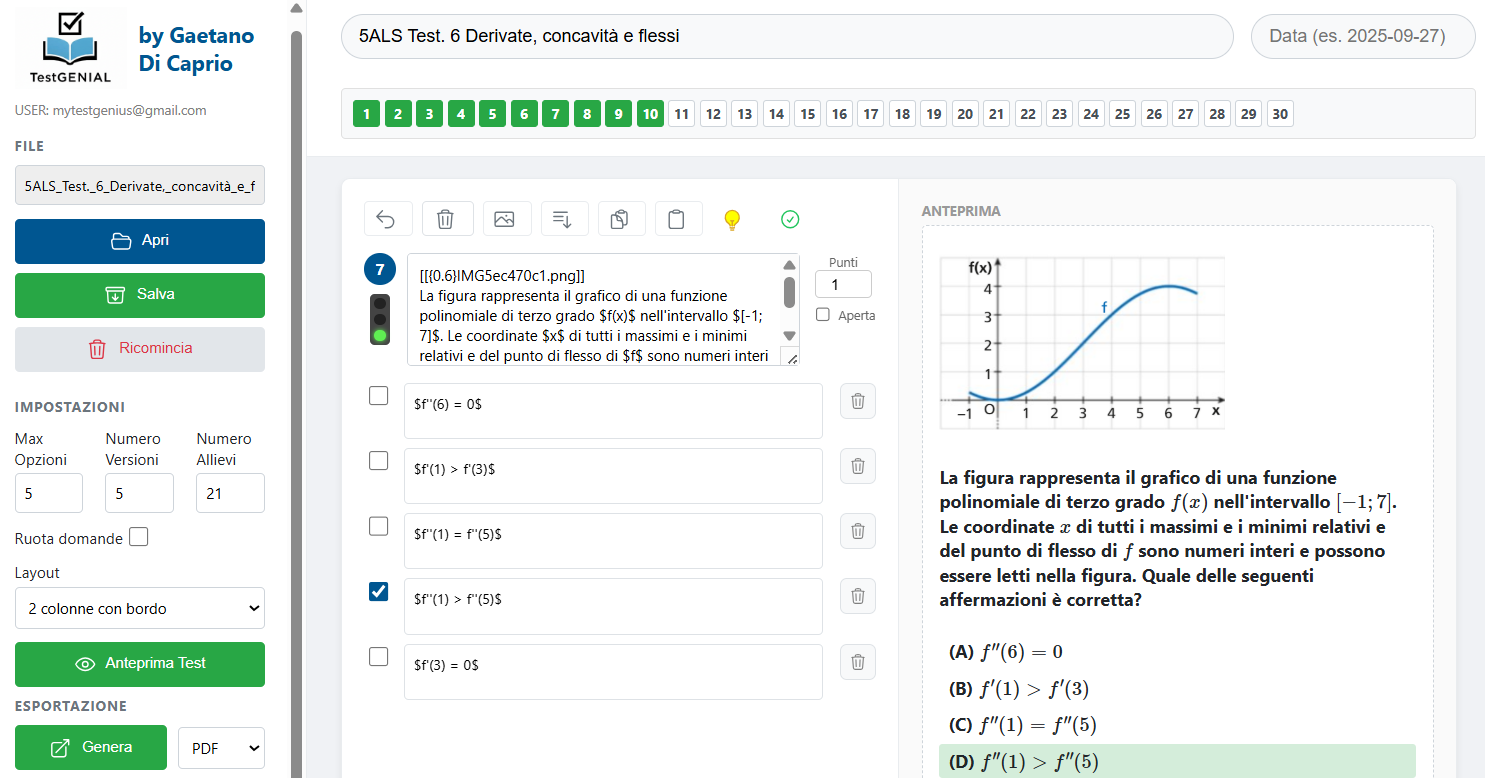
The light-bulb icon turns a few instructions into relevant questions, tailored to the work done in class. In less than an hour I prepare multiple-choice tests with different versions and automatic marking already set up. Before using TestGENIAL it took me four hours.
A very practical tool for creating tests quickly. For me its great strength is how easy it is to insert mathematical formulas. In a few steps you can prepare several clear, well-formatted versions of a test, with both open and closed questions.
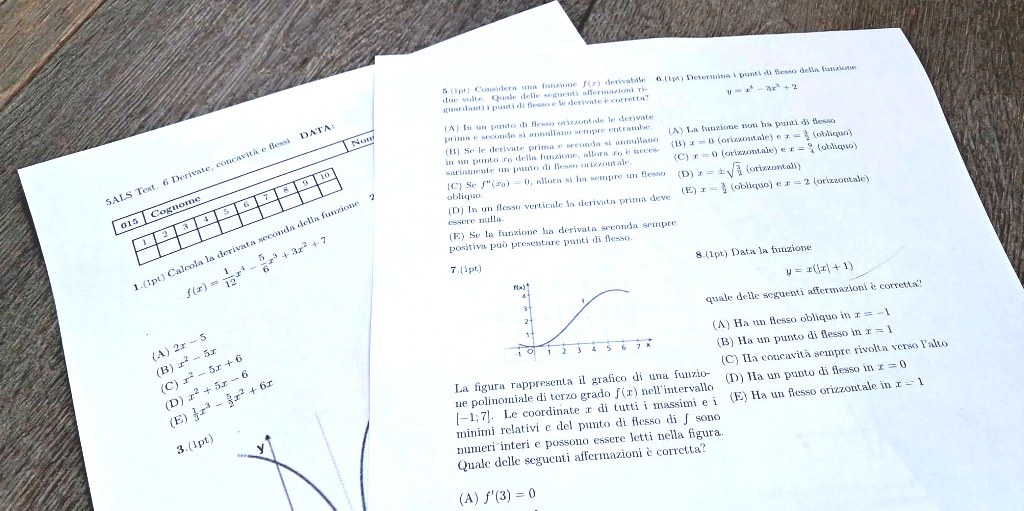
The time savings are tangible from the very first use: TestGENIAL is easy to use and the result is really efficient. I find the feature that imports an image as a question very handy, complex chemical formulas included, as well as the way it organises the layout of the test. Everything in a single file to print.